
| Share On: | |
|---|---|
| Categories: | PCI Express Data Acquisition Boards | CANbus Communication Boards | CANBus Communication |
| Review: | Write your review |
| Resources: |  User's ManualQuick StartData Sheet User's ManualQuick StartData Sheet SoftwareDemoDriverCE CertificationFV Certification SoftwareDemoDriverCE CertificationFV Certification
|
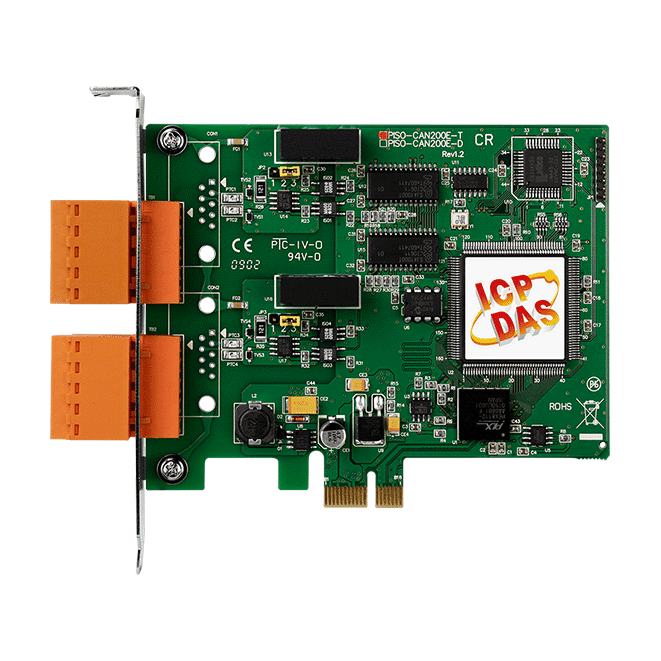
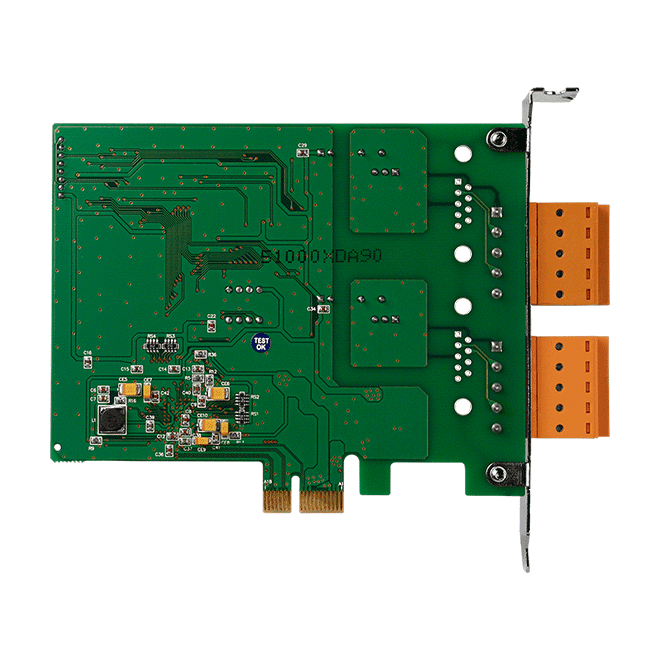
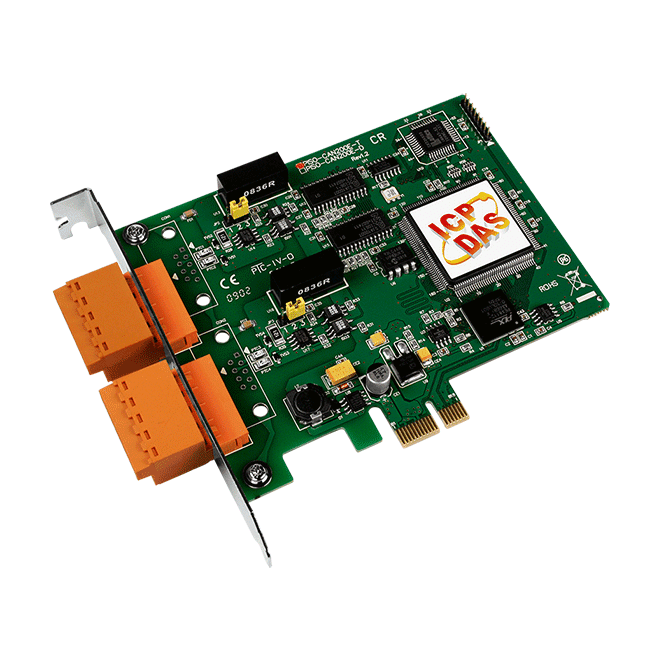
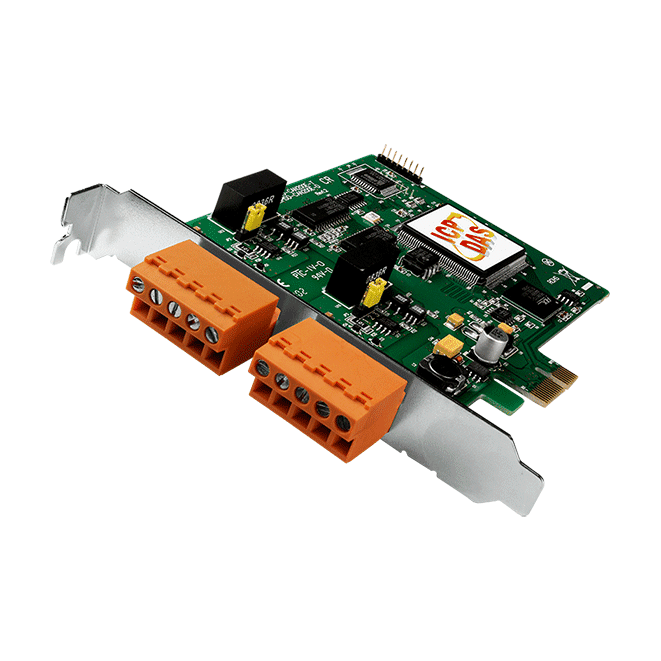
PEX-CAN200i can represents an economic solution of an active CAN board with express PCI bus. It has 2 independent CAN bus communication ports with 5-pin screw terminal connector or 9-pin D-sub connector, and has the ability to cover a wide range of CAN applications. Besides, PEX-CAN200i uses the new CAN controller Phillips SJA1000T and transceiver 82C250, which provide bus arbitration, error detection with auto correction and re-transmission function.
|  |
 The PM-213x-CAN series power meter provides the CAN bus interface for users to easily gather the real-time power consumption information in their CAN applications. The PM-213x-CAN provides the Auto-Response mode which responses messages at regular intervals automatically. It makes the communication more efficient when collecting a lot of remote power information. The polling mode offers the precise information of every step required by the monitors. In addition, the PM-213x-CAN also owns the arbitration mechanism which can avoid data collision and error detection.
Features of CAN bus power meter:


In order to satisfy the users to apply the RTX system, ICPDAS provides the RTX driver for PISO-CAN series CAN card. If users want to combine the CAN communication interface in their time-critical system, the RTX driver of the PISO-CAN series CAN cards can help them to do this easily and quickly. Furthermore, the name and parameters of the APIs in the RTX driver are the same as in the Windows driver. Users don’t need to pay more efforts to study how to use the APIs of the RTX driver if they have used the Windows driver before. The RTX driver increases the additional worth of the PISO-CAN series CAN cards, and satisfies the users to get the highly real-time system. By owing to the feature of high price performance and highly real-time, PISO-CAN series CAN cards will be applied in more wide and more variant CAN applications.
Features:

Real-time Test:

The SocketCAN is based on the Linux operating system, and it contains the implementation interface of the network stack and the hardware driver. The hardware manufacturers program the hardware driver for the SocketCAN, and the network stack provides the standard BSD Socket APIs for users. Therefore, from the users’ point of view, they can easily and quickly program their applications without being familiar with the various APIs of the different hardware interface through the SocketCAN network stack.

We have provided the SocketCAN drivers for several kinds of CAN interface cards. Users can implement their SocketCAN-based application on the Linux platform by using these cards. Besides, we also support static library of CANopen/DeviceNet master on x86 hardware platform. It can help users communicate with CANopen/DeviceNet slaves more easily.
Features:

Note:
Hardware platform: Intel(R) Core(TM)2 CPU 6320 @ 1.86GHz, DDR2 667MHz 1.5GB
Software platform: Kernel-2.6.32, Distro- Debian GNU/Linux 5.0

In order to use PISO-CAN200/400 easier, we provide a PISOCANX ActiveX component (OCX). It is a useful element to develop the PISO-CAN200/400 application on different program development platform, and it also help users to reduce their development period.
Specially, users can use this in their SCADA softwares which support ActiveX technology. It would be possible to use SCADA software to control or monitor CAN devices. If users want to get PISOCANX, it will be found after installing the PISO-CAN200/400 driver with 1.16 version or later.
In order to apply the PISO-CAN200/400 to CAN network with NI LabVIEW, we provides a LabVIEW 7/7.1 toolkit for the purpose. It is a useful tool to develop the CAN-relative application in NI LabVIEW environment by using PISO-CAN200/400. It is easy to use and can help user to rapidly reduce their program development cycle. If users want to develop a LabVIEW industrial application with CAN network, the LabVIEW CAN driver is very helpful.
CAN LabVIEW Tool Features:
In order to easy to use the PISO-CAN200/400 to CAN network for user. We provides a DASYLab version 8.0 toolkit for the purpose. It is a useful tool to develop the CAN-relative application in DASYLab environment by using PISO-CAN200/400. It can help user to rapidly reduce their program development cycle. If users want to develop a DASYLab industrial application with CAN network, the DASYLab CAN driver is very helpful.
CAN DASYLab Tool Features:
There are various communication interfaces among the CAN devices like PCI CAN board, Ethernet series and RS-232 series CAN module. According to different purpose of users’ projects, the users maybe need to choice different CAN products. Because of this situation, the programmer should develop different communication program to handle different CAN device. For example, the user should develop “Socket Client” to communicate with I-7540. When using I-7530, the users need “UART” technique to communicate with it. Nowadays, ICP DAS develop the Virtual CAN technique. The Virtual CAN driver is the excellent tool for users. It transforms whole CAN devices into Virtual CAN port. And then it generates Virtual CAN port like “VxCAN 1” or “VxCAN 2”. The users could send and receive CAN message by appointing the Virtual CAN port number. The users don't need to care about what kind of CAN device which is used.

Test development:
OS:Windows XP SP 3
CPU:Intel Core 2 Duo 2.00 GHz
RAM:512 MB
| Baud Rate(bps) | CAN 2.0 A | CAN 2.0 B |
| Frame per sec. | Frame per sec. | |
| 1000 k | 7493 | 6387 |
| 800 k | 6185 | 5249 |
| 500 k | 4088 | 3463 |
| 250 k | 2134 | 1808 |
| 125 k | 1096 | 924 |
| 50 k | 438 | 370 |
| 20 k | 175 | 148 |
| 10 k | 88 | 74 |
Note:The test result is the average value of receiving 100000 CAN messages.
| Software | |
|---|---|
| Driver | Windows XP/7/8/10 (32-bit/64-bit OS), Linux 2.6.x ~ 5.4.0, LabView, DASYLab, InduSoft |
| SDK | VB 6.0, VC++ 6.0, BCB 6.0, Delphi 4.0, C.Net, VB.Net |
| PC Bus | |
|---|---|
| Type | 33 MHz, 32 bit, X1 PCI Express bus |
| CAN | |
|---|---|
| Controller | NXP SJA1000T with 16 MHz clock |
| Ports | 2 |
| Baud Rate | 10 k ~ 1 M bps |
| Isolation | 3000 VDC for DC-to-DC, 2500 Vrms for photo-couple |
| Terminal Resistor | Jumper for 120 terminal resistor |
| Power | |
|---|---|
| Consumption | 100 mA @ 12 V, 100 mA @ 3.3 V |
| Mechanical | |
|---|---|
| Dimensions (mm) | 120 x 85 x 22 (W x L x D) |
| Environment | |
|---|---|
| Operating Temperature | 0 ~ +60 °C |
| Storage Temperature | -20 ~ +70 °C |
| Humidity | 5 ~ 85% RH, Non-condensing |
Our mission is to provide the absolute best customer experience in industrial automation and electronics, without exception.


Subscribe to our mailing list today and join thousands of others who want to stay up-to-date with the latest news in data acquisition and industrial data communication.
ICP DAS USA is a leading manufacturer of industrial data acquisition, data communication, programmable controllers, wireless and software solutions.
Add a review
Your email address will not be published. Required fields are marked *