A: The first thing that you need to check is what is the aspect ratio of each display. The aspect ratio is the width / length. The standard aspect ratio is 1.3.
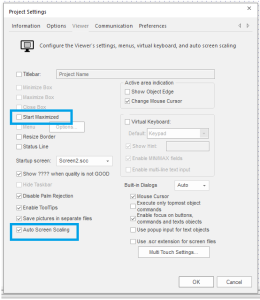
If both displays have the standard aspect ratio then all you need to do in the developer program is go to the programs tab and click on the viewer icon on the control ribbon.

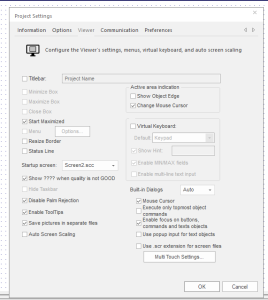
In the project settings window uncheck the Start Maximized checkbox and then check the Auto Screen Scaling check box.