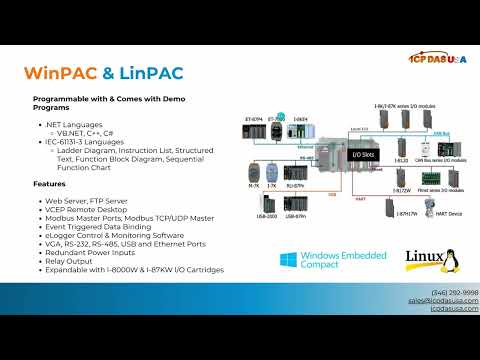
In this video, we demonstrate how to link NAPOPC on PC with Quicker by OPC mode. First run Quicker on WinPAC and enter the service setup. Choose the RPC server and active scan kernel. You need to install the NAPOPC first, you can download the file from our website. After installing NAPOPC, press start at the bottom left of the screen, then all programs, ICP DAS USA, NAPOPC, then run the NAPOPC server. Click the device button above, adjust the settings according to the video. Watch the video above for more information.