


Indusoft Training – Remote Management
Remote Agent Remote Management Connection Downloading to a Remote Runtime…

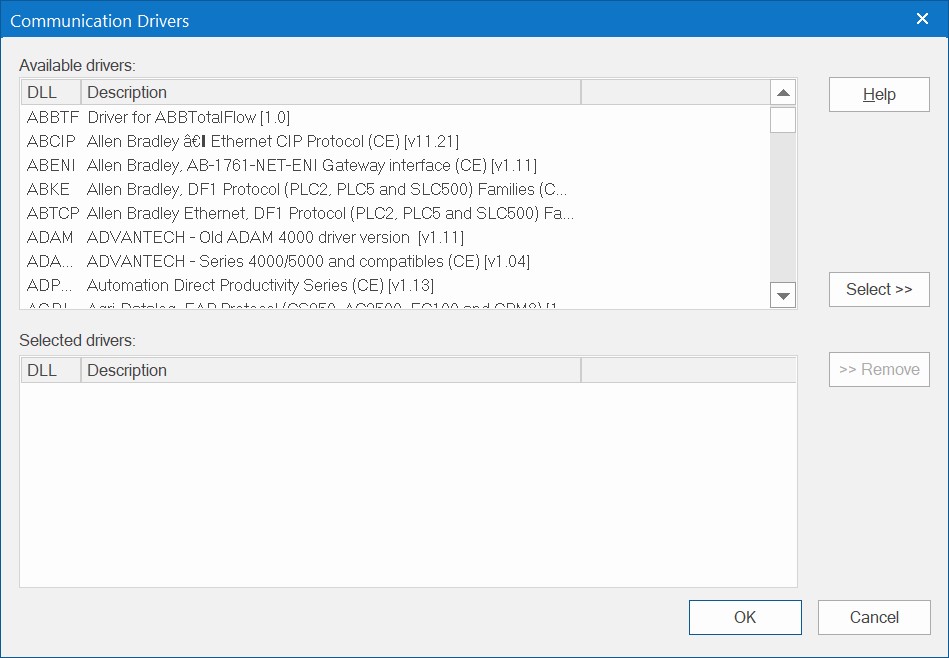
Indusoft Web Studio Software allows for building a customized control and monitoring system. You can use it to connect to any device or PLC with an easy to use interface. Hundreds of drivers are provided for integrating your PLC’s, data acquisition devices and controllers including our I-7000, I-8000, I-87K, M-7000, ET-7000, and PET-7000 Data Acquisition modules.
You can access your Indusoft HMI and SCADA applications from any device through a web browser. Indusoft runs on Windows and Linux based devices and allows you to see the status of your system on a screen, see historical trend information and measurements and control your system through a user interface. You can log data, send email and SMS alerts based on conditions, use VBScript control logic and email reports based on a schedule
View your process using a standard browser (Internet/Intranet with XML support) from your workstation or any web-enabled mobile device.
Any Microsoft-supported platform, including Windows CE, Mobile, XP Embedded, and Server versions, can be used with a single development effort. InduSoft IoTView also supports Linux* and VxWorks.
With more than 250 drivers, your PLC or controller is supported, along with OPC (client and server) and TCP/IP.

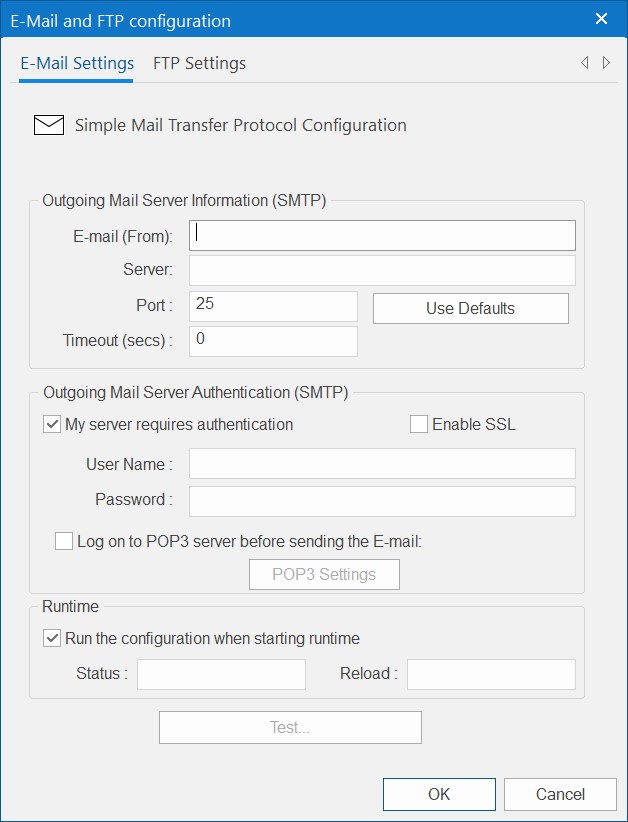
Send status or alarm emails (with attachments) or text message

Log alarms and send notification alerts by SMS & Email
Use built-in functions and VBScript for triggering events, manipulating data and more

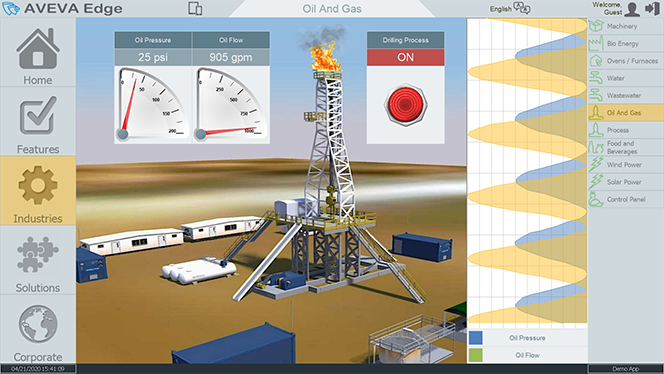
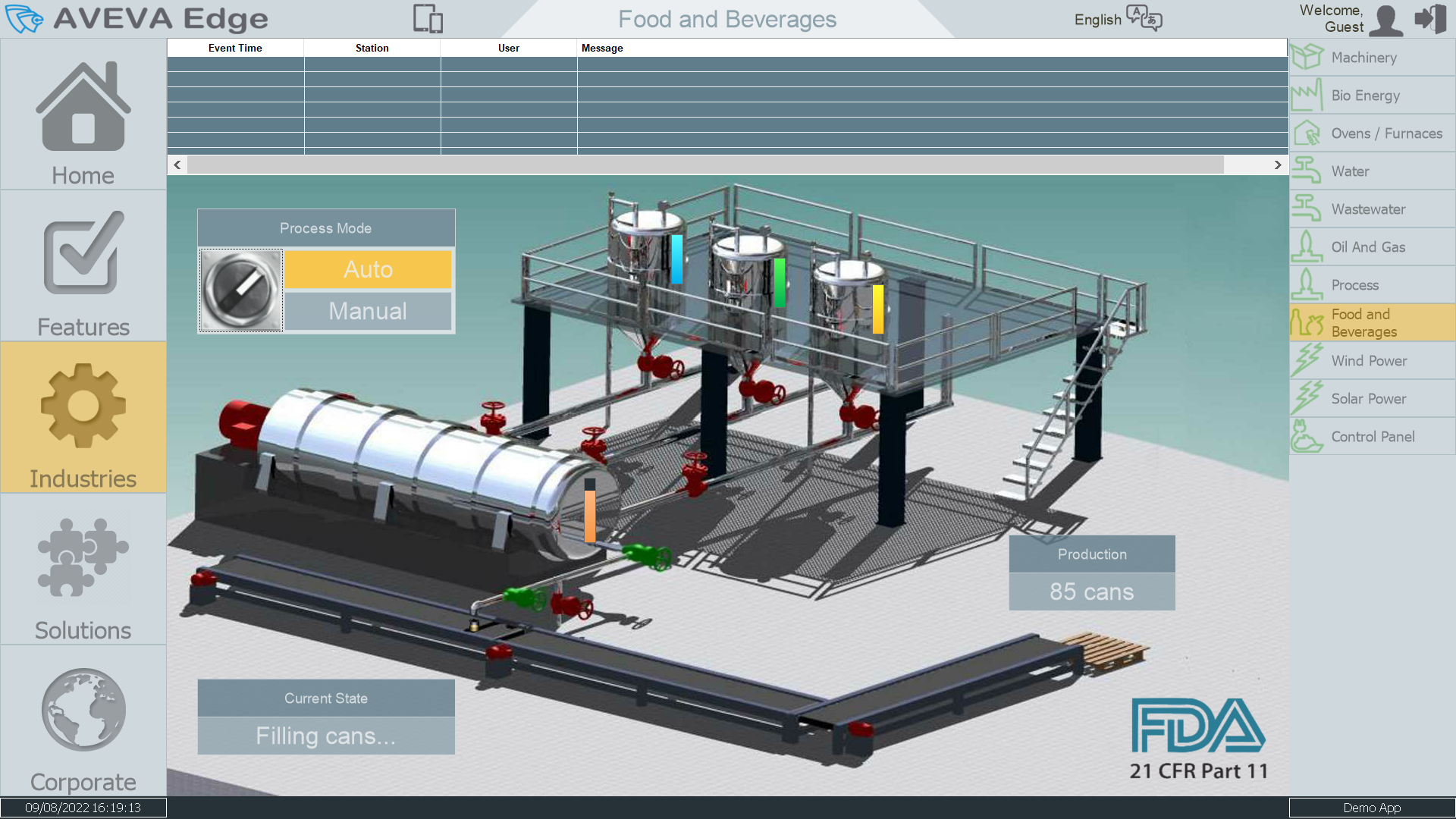
HMI User Interface for control and Monitoring
Use Group and User Accounts for secure access and traceability

Access SCADA system from a web browser or included Phone App

Create, send and store customized reports

Tutorial videos for easy set up and management
ICP DAS Offers online and in office training classes. Class attendees may personalize their classes and cater the training to fit their application or project. These classes are only available to be scheduled from 8:00AM to 5:00PM on weekdays. For In-Office classes, lunch is provided and the attendees will need to pay for their travel expenses to our office. For Online classes, attendees will attend training via Zoom Video Call. For In-Office attendees, they will need to pay for their travel expenses and we will cover lunch the 2 days of class. In-office Attendees are offered mentorship like training sessions where you will be learning with 0-3 other attendees. For Online attendees, the training will be done via Zoom Video Call.


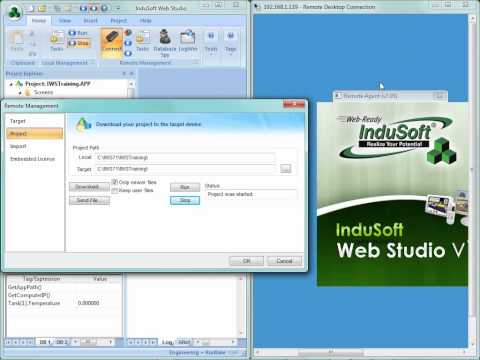
Remote Agent Remote Management Connection Downloading to a Remote Runtime…
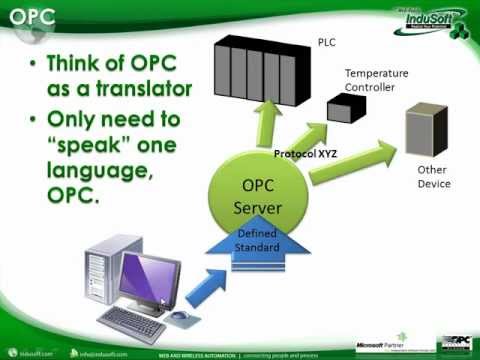
What is OPC? What Technologies Does IWS Support? Optional OPC…
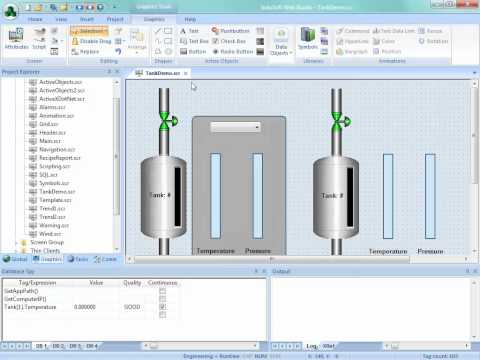
Security Overview Configure Groups/Users Security with Objects Password Protecting Screens…
Development Environment Runtime Translation Table SetLanguage Function Web Thin Clients…
Interoperability in Indusoft brings native integration with the Indusoft portfolio and a platform agnostic environment that makes it easy to integrate data sources and hardware from almost any vendor.
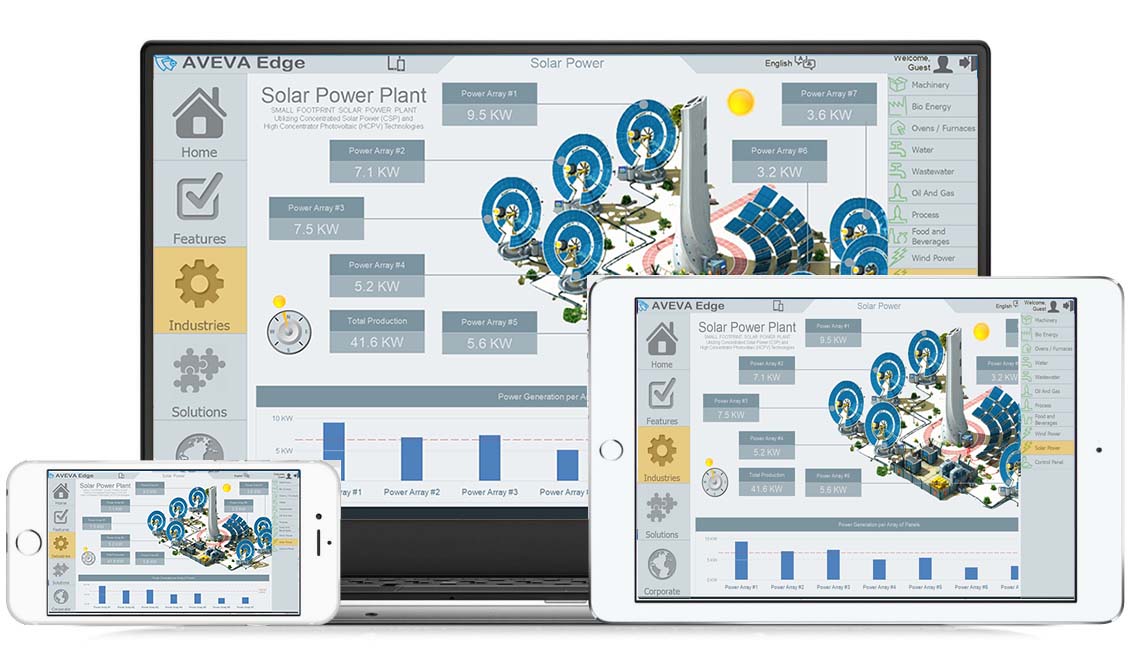
Access your Indusoft applications from nearly any device. With HTML5-based web publishing and runtimes for Windows and Linux, it’s possible to monitor and control your SCADA or HMI application from smartphones, tablets, panel PCs and more.
Deployment is easy with Indusoft runtimes available for Windows or Linux. Develop your application once, then deploy it to Linux-based edge devices, PCs, industrial computers and more.