
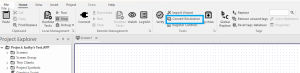
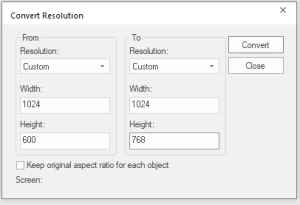
Before you do anything make a backup copy of your project. Convert resolution does not always reverse well. Having a backup allows you to recover if you need to. Under the home tab select convert resolution. You will get a popup that asks you to close all documents before running the conversion. Once they are closed you and you select convert resolution you will get the following popup. You want to convert to an aspect ratio of 1.3. In this example the customers development machine had an aspect ration 1.7. From 1024 x 600 he changes to 1024 x 768, the closest 1.3 ratio.
After changing to a 1.3 ratio, you can then use the viewer to resize.

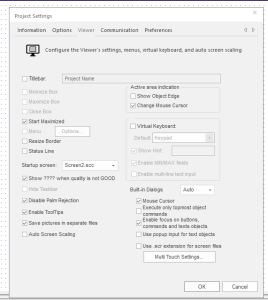
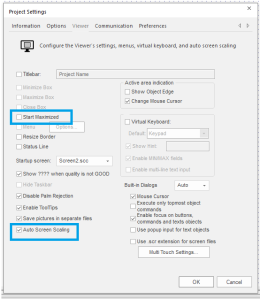
Now Save and load it on to your Runtime PC. This works as long as the target for runtime is not an embedded system.


